

See why awaBerry is made for you!
Quick start for Anywhere Shell Access

Anywhere Shell Access
No VPN or open ports required

Any Browser Access
Manage your smart home from any device

Headless Device Setup
Easiest way to get your Raspberry Pi online

Global CLI Access
Your terminal is available wherever you are

Zero-Trust Security
Identity-aware access control for your home lab
Quick start for commercial use cases
Device as a Service
Secure and audited data access in closed networks
Device as a Service
Integrate devices in LLM driven agent workflows
Device as a Service
Automated device provisioning and maintanance

Device access
Setup a company network without open ports and vpn
Zero trust
Audited device access without the need for ssh credentials
See how awaBerry works
Install awaBerry
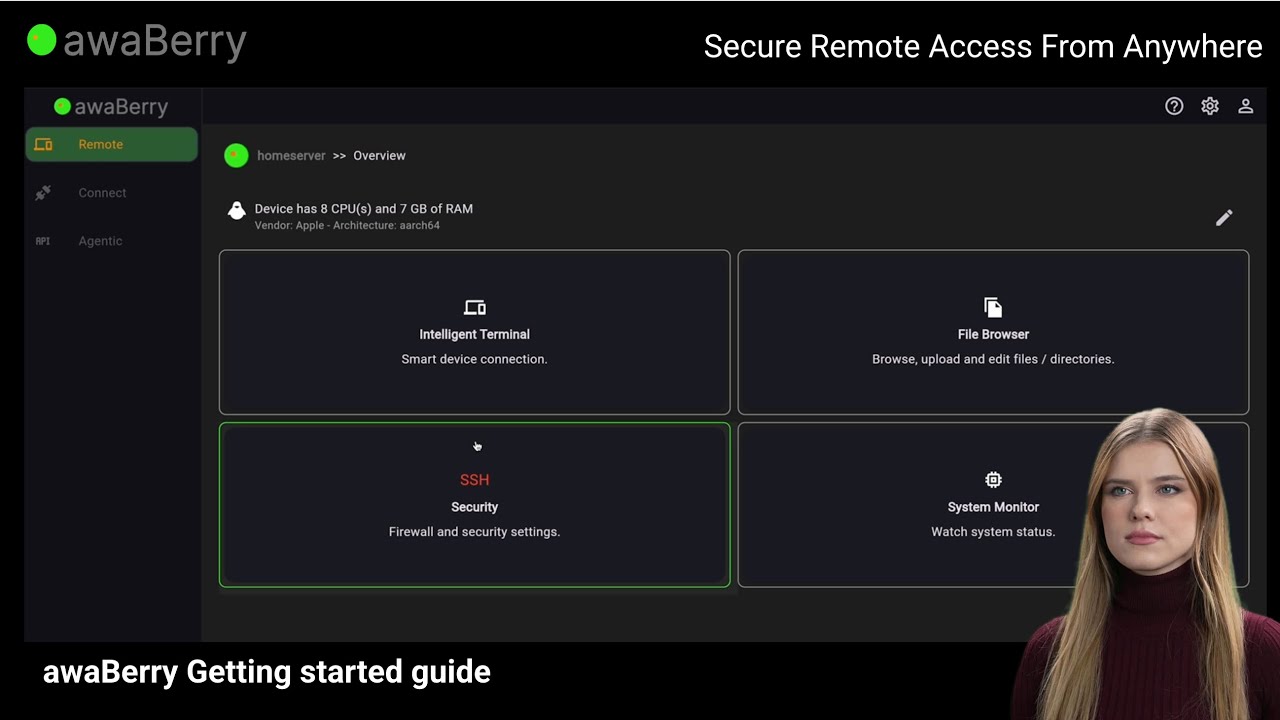
Rethinking Secure Shell Access
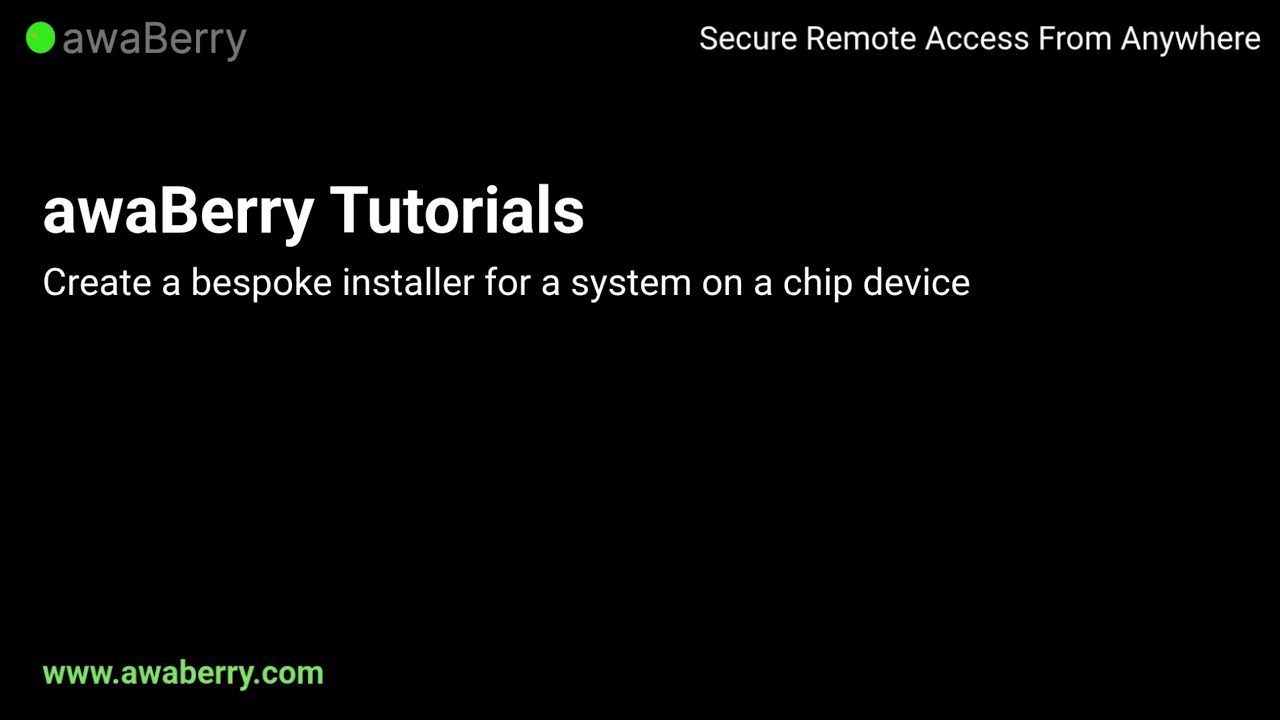
Easy headless setup

Create installer for headless setup
Voices of our clients
The awaBerry Protocol
No need for VPN, reverse tunnel and open ports - a secure protocol by design with build in two-factor end to end encryption.
Learn more about the awaBerry Protocol →
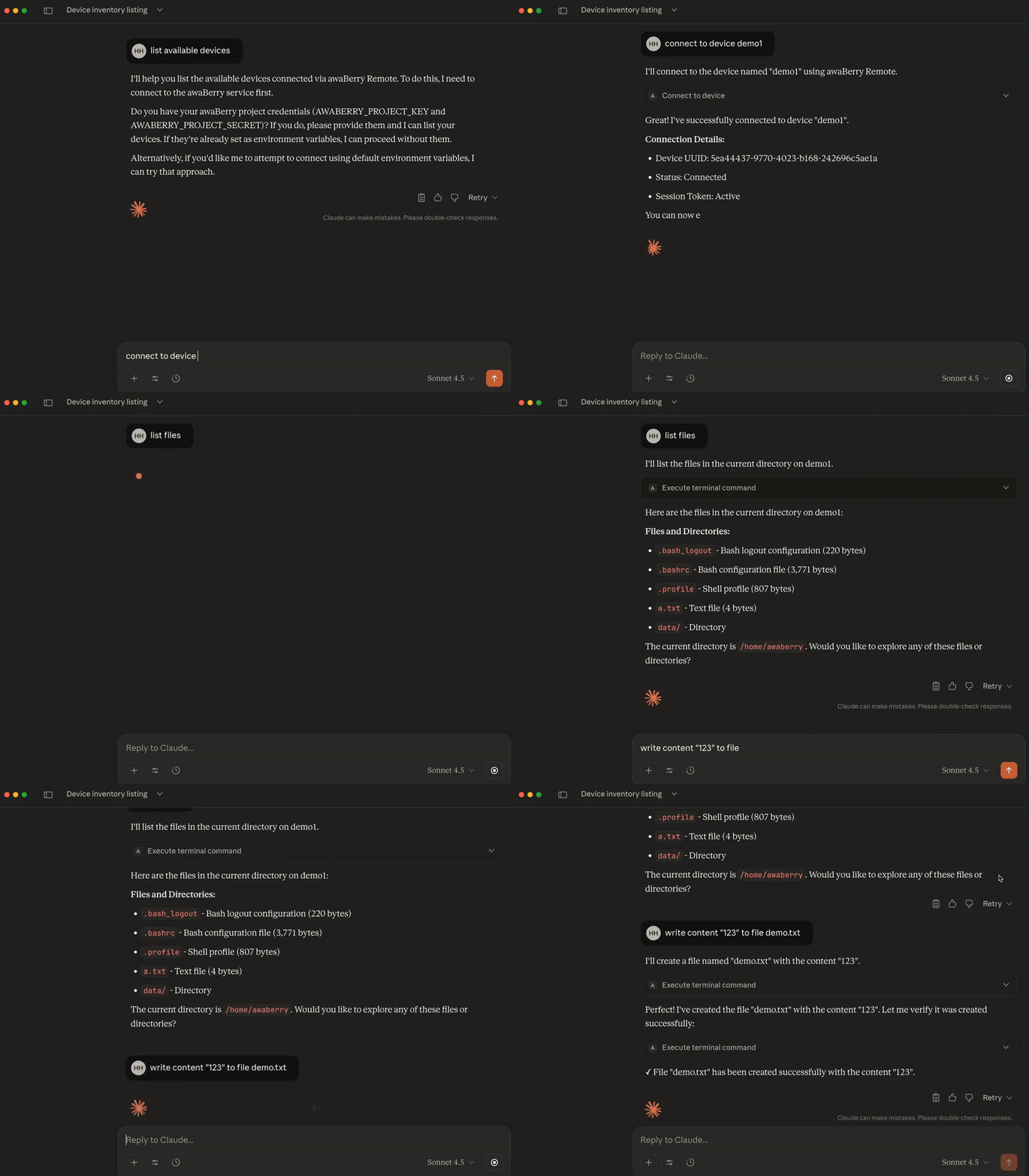
awaBerry Agentic: MCP Server
Integrate awaBerry in agentic environments such as e.g. Claude Desktop.
Frequently Asked Questions
awaBerry is a platform that provides secure shell access to your devices (like PCs, servers, or Raspberry Pis) from anywhere, using just a web browser. Install awaBerry Client on your devices, then access them via Anywhere Shell Access (for manual use) or Agentic Command Interface (for automation and AI agents).
awaBerry simplifies secure access to all your devices. Connect from anywhere using just a web browser, without the hassle of configuring SSH, VPNs, or firewalls. Features include an intelligent terminal that understands natural language and APIs for automating tasks across your devices.
No! awaBerry is designed to work without needing to open port 22, configure firewalls, or set up a VPN. It provides secure, end-to-end encrypted access out of the box.
awaBerry Client works on a wide range of systems, including Linux, macOS, and Windows. You can connect almost any device, from standard PCs and servers to System on a Chip (SoC) devices like Raspberry Pi, Orange Pi, and Banana Pi.
Yes, absolutely. awaBerry Client is designed to work with a wide variety of System on a Chip (SoC) devices. We provide dedicated installers for popular platforms like Raspberry Pi, Orange Pi, Banana Pi, and more, making setup quick and easy—even with pre-configured home WiFi access out of the box.
Yes. Since Anywhere Shell Access works entirely within a standard web browser, you can connect to your devices from any modern mobile phone or tablet without needing to install a separate app. Just open your browser, log in, and connect.
Security is a core principle of awaBerry. All connections feature end-to-end encryption to protect your data. By eliminating the need to open firewall ports (like port 22 for SSH) or use a VPN, we significantly reduce your device's attack surface. Additionally, for automated access via Agentic Command Interface, you can define fine-grained permissions for file access and command execution.
Yes, absolutely. Since awaBerry provides secure terminal access through your web browser, you no longer need to expose SSH (port 22) to the internet. Closing this port is a highly recommended security practice that significantly reduces the attack surface of your cloud instances.
You only need to install one piece of software: awaBerry Client on the device you wish to access (your PC, server, Raspberry Pi, etc.). To access that device, you don't need to install any SSH client, SCP or FTP client software on your computer, phone, or tablet. You simply use a modern web browser.
Anywhere Shell Access includes a secure file transfer feature. When you are connected to your device through the web browser, you can easily upload files from your local computer directly to your device without needing a separate FTP or SCP client.
This is exactly what awaBerry is designed for! As long as your device at home is running awaBerry Client and is connected to the internet, you can access it from anywhere in the world. Simply log in to your awaBerry account in a web browser, and you'll be able to connect to your home device securely without any special network configuration.
Absolutely. Beyond manual access, Agentic Command Interface provides a powerful API that allows you to integrate your connected devices into automated workflows, custom services, and AI agent-based systems.